

Suggestions for what comes next
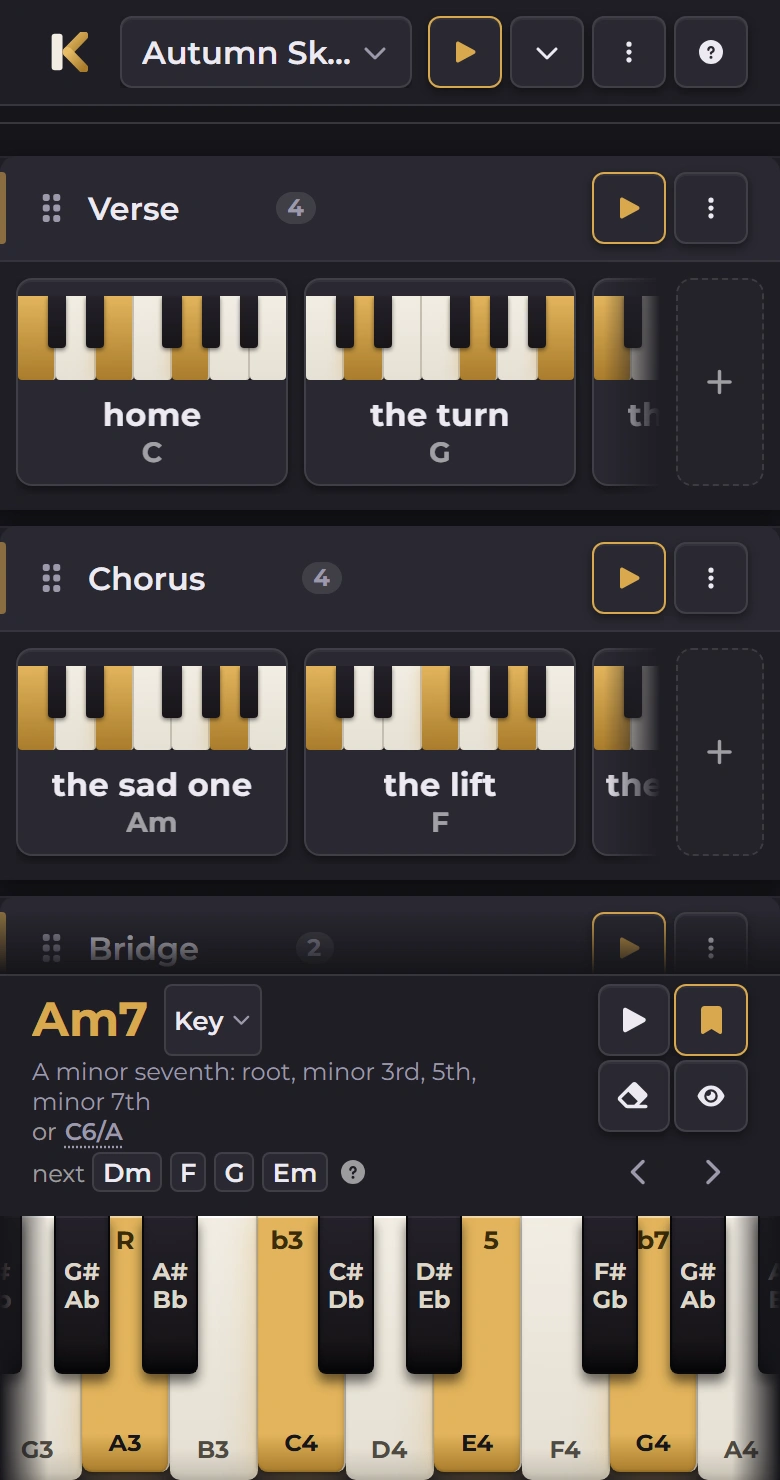
Hold a chord and Keyriff offers the ones that usually follow it in your sheet's key, after “next” beside or under its name. Tap one to put it under your hands.
Keyriff is a free piano chord finder. It names the chord you're playing, remembers the ones you like, and turns them into a practice sheet you can play back.
Press a few keys, or use the A to K row of your keyboard. Press a lit one to release it. Tap a few keys. Tap a lit one to release it. R marks the root, the note the chord is named after.
The keyboard above is the quick version.
Press three or more keys with the mouse, a touchscreen, or your computer keyboard. The name appears as you play.
Save the ones you want and they go into your chord library. You can rename them too, so “the sad one” works as well as Cmaj7.
Drag saved chords into sections, set the tempo and the repeats, then press play and follow along on the keyboard.
Hold a chord and Keyriff offers the ones that usually follow it in your sheet's key, after “next” beside or under its name. Tap one to put it under your hands.
Export a sheet with a small keyboard diagram for every chord and each section's tempo, plus the key and Roman numerals once you've set one.
Back up every sheet and your whole chord library to a single file, and open it again to put it all back. Nothing here is uploaded, so a file is the copy that survives clearing your browsing data.
The keyboard scrolls, a section reads left to right like a bar of music, and the controls are sized for fingers.
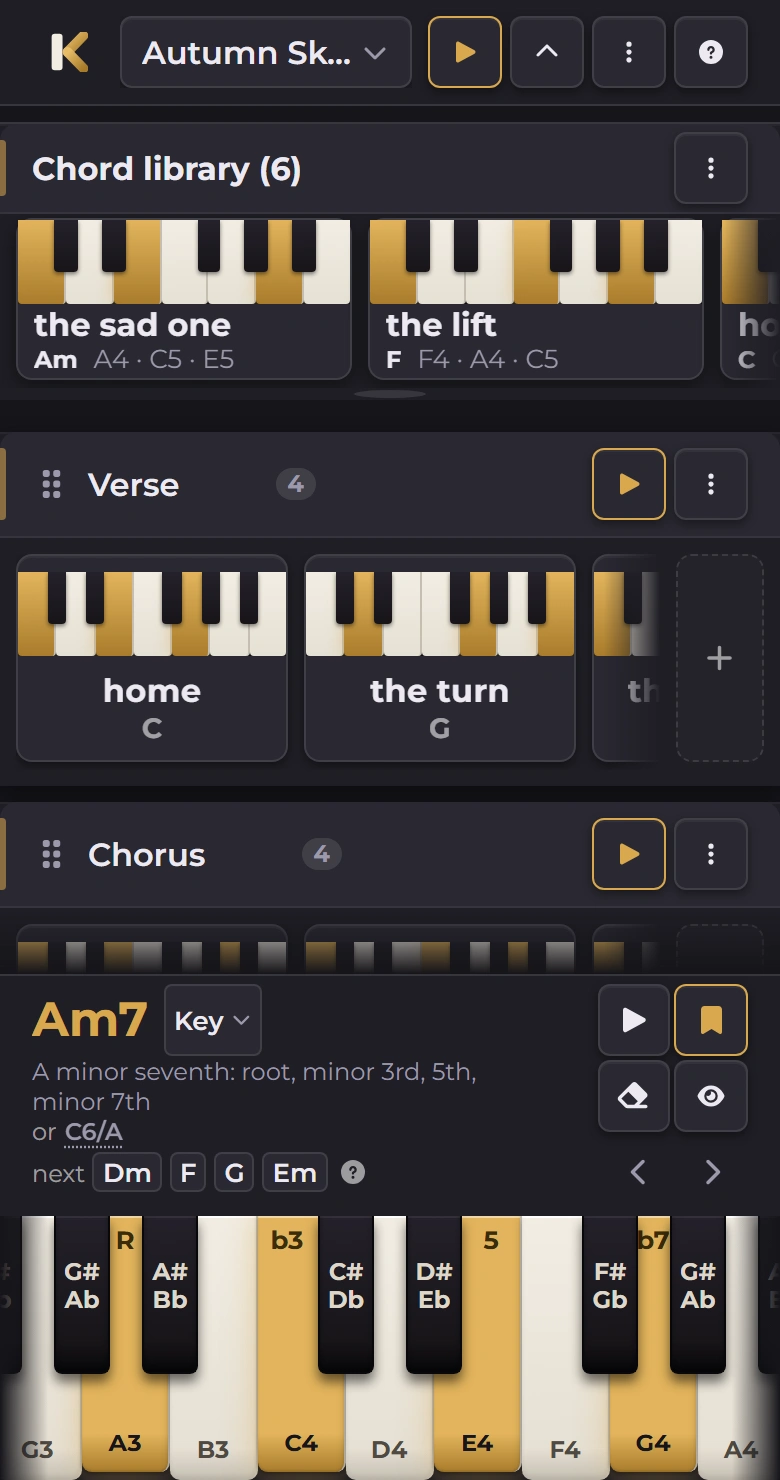
Saved chords sit in a tray at the top of the sheet. Opening it makes room instead of covering anything.
A swipe scrolls the row; holding a chord card picks it up, so you can move it to another section.

Scan to open it on your phoneapp.keyriff.com


The one you keep playing but have never looked up. It takes about four seconds.
Open the appOr look it up here: 180 chords, each with its inversions, 9 progressions in all 12 keys, and a chord chart you can print.
Opens in the app’s own tab
Opens in a new tab